Device Compatibility
IPTV Boxes UK Guide
An IPTV box is a streaming device, not a guarantee of compatibility, content or service quality. Start with the documented device requirements.
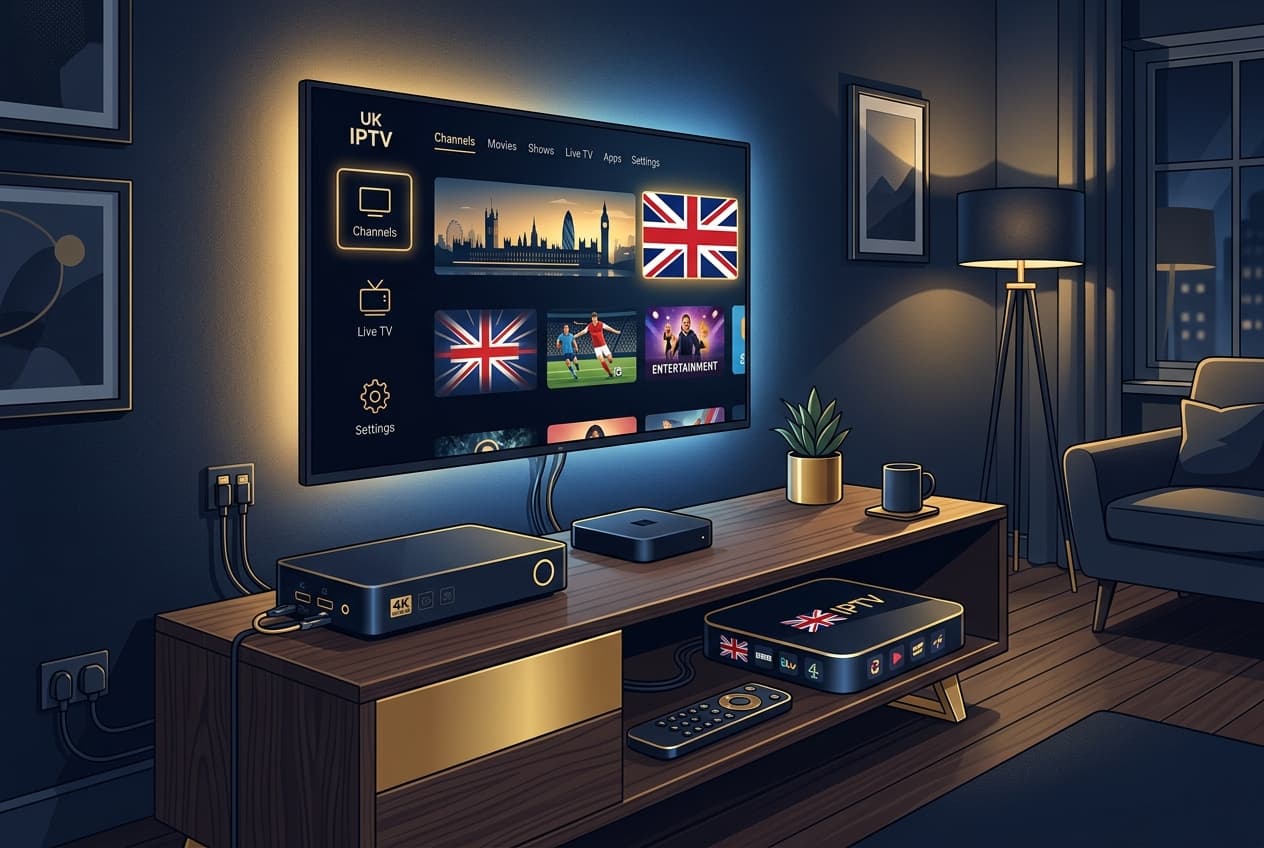
An IPTV box is usually a small streaming device that connects to a television and the internet. It can run compatible apps and provide a simpler living-room interface, but it does not itself provide channels, establish content rights or guarantee that a service will work on it.
Check compatibility before buying
The useful question is not which box is described as the best in a generic advert. It is whether the device's operating system, app support and updates match your provider's current documented requirements. Check those requirements before purchasing hardware or downloading software.
A practical device checklist
- Confirm the device type and operating system.
- Review the provider's current supported-device guidance.
- Use the official installation source and instructions.
- Keep the device software updated through trusted channels.
- Test your home connection and TV inputs before changing account settings.
Avoid risky shortcuts
Be cautious of pre-loaded boxes that make vague promises or request private details outside a documented support process. Do not install unknown files, share private sign-in information or rely on copied connection details from an unrelated guide. These shortcuts can create security and support problems.
When an app is not behaving as expected
Separate device, connection, audio and guide problems rather than factory-resetting immediately. A methodical check is usually faster and preserves your existing setup. If you need help, provide the device model through the official contact route without posting account information publicly.
Frequently asked questions
Does an IPTV box include a TV service?
No. A box is a device. Service access, compatibility and the content offered are separate matters.
Is every Android TV box compatible?
No. Compatibility depends on the device and the provider's current documented requirements.
Should I install apps from any website?
No. Use the provider's official installation route and avoid unknown files or copied account details.
Need help checking your device?
Contact Explore Lounge with your device model for help following the documented setup route.
Contact Explore LoungeMore from the journal
Is Explore Lounge Available on iPhone or iPad?
Explore Lounge isn't available as a native iPhone or iPad app yet — support is coming soon. Here's how IPTV apps work on iOS in general, what's supported today, and what to use in the meantime.
Read the guide